Help
Stuck in a room?
You’re never locked out. Every room has a way out, from a quick flip to a real emergency. Here’s each one, quickest first.
Leave the room
Open Sonday and flip the switch on the room. A tray asks “Leave the room?”
- No timer
- Tap End the room. Done.
- With a timer
- Press and hold End early for 2 seconds. The hold is there so you leave on purpose, not by reflex.
End with your tag
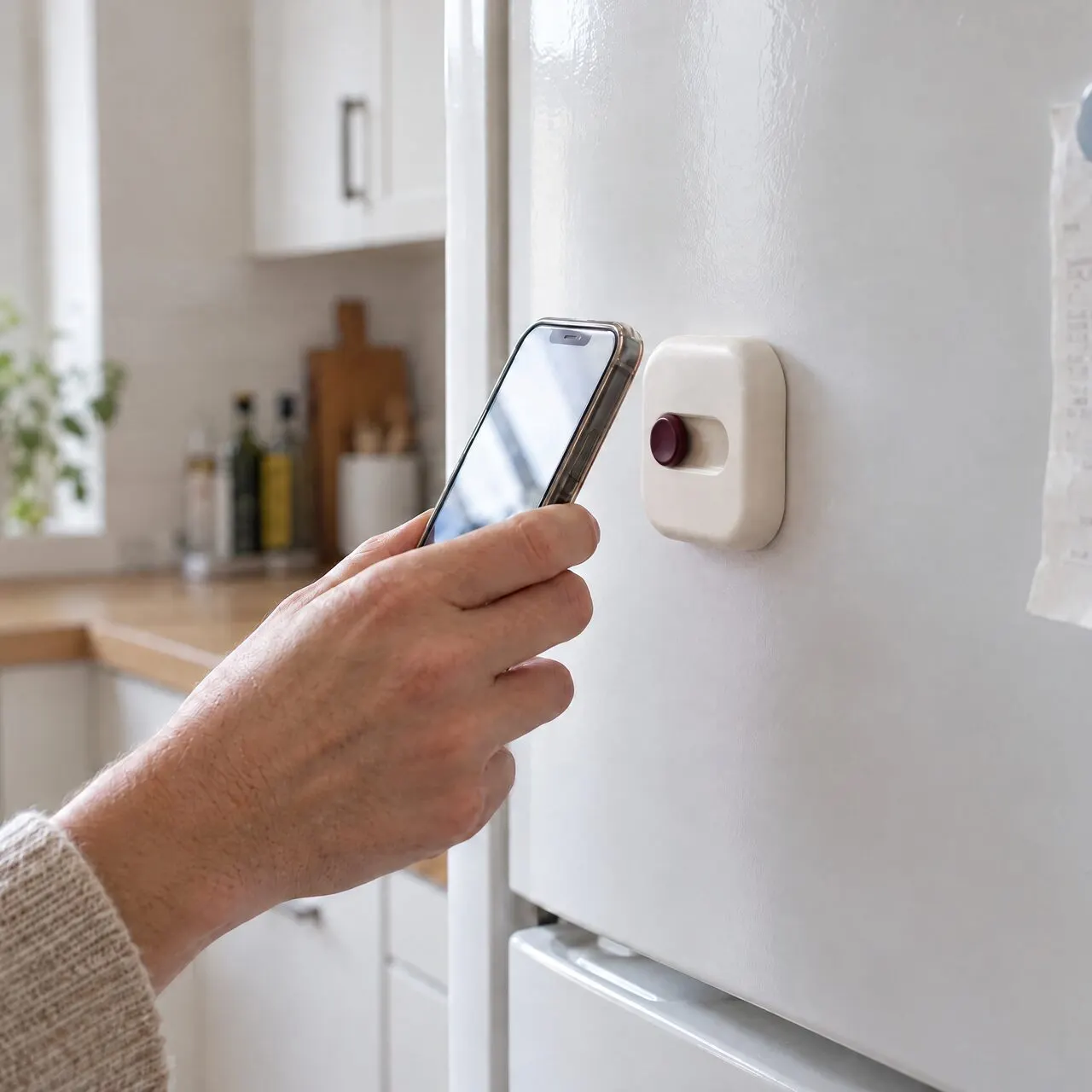
If the room ends with your tag, tap the top of your iPhone to it, the same way you started.
- Tag not with you?
- Use an emergency unblock, below.
Take a break
Some rooms allow a short break. Flip the switch and pick Take a break: your apps come back for a few minutes, then the room picks up again.
- No break left?
- The tray says so. End early or wait for the room to end.
Protected rooms
A protected room can’t be ended early. The tray says “Not yet.” and shows when it unlocks.
- Can’t wait?
- An emergency unblock still works.
Emergency unblock
For real emergencies. Flip the switch and pick Emergency unblock: the room ends right away, also when it’s protected or ends with your tag.
- How many
- A couple per period. In a room’s Protection settings you choose whether they reset every 2, 4, 6 or 8 weeks. The tray shows how many are left and when they reset.
- Your Journal
- It still counts, and there are no streaks to lose.
Troubleshooting
Still stuck?
My tag won’t read
Unlock your iPhone and tap the very top edge of it to the tag, then hold still for a second. Thick or metal cases can get in the way, so try without one. Still nothing? Use an emergency unblock and email us.
I lost my tag
End the room with an emergency unblock. Then go to Settings, Tags, open the tag and remove it. Its rooms go back to Flip the switch, and you can pair a new tag any time.
The room ended, but an app is still blocked
Open Sonday once, so it can lift the block. If the app stays quiet, restart your iPhone. Check too that another room or a schedule isn’t on.
Nothing works
Email us and we’ll help you out. As a last resort, deleting Sonday lifts all its blocks, but it also deletes your rooms and Journal.
Need a hand?
Ask us.
Email hello@getsonday.com and tell us what you see. We usually reply within two working days.
Email hello@getsonday.comIn your email
- Which room it is
- What the tray says
- A screenshot, if you can